Find your perfect match. Switch today to the premium Phantom alternative that delivers the performance and results your team actually needs.
You learn how to buy Bitcoin, but the next question arises: where will you hold it, and where will you hold the rest of your tokens? Phantom works well for Solana, but you may want other options for security, multisig, hardware support, cross-chain access, or better NFT handling. Which wallet fits your needs? This article walks you through the best Phantom alternatives for your digital assets, from mobile and browser wallets to hardware options and noncustodial choices, so you can pick one that matches your comfort level with seed phrases, cold storage, and DeFi access.
To make the switch easier, Bullpen's buy crypto lets you purchase Bitcoin and other coins and send them straight to the wallet you prefer, removing extra steps and confusion so you can focus on choosing the right Solana wallet alternative or secure storage.
Summary
Broad chain coverage is now a baseline expectation, with modern wallets commonly supporting over 100 cryptocurrencies, so pick solutions that expose native signing across every chain you use.
Real-time execution and pricing matter for cost and reliability, with average transaction speeds measured in about 2 seconds, so wallets must surface live routing, slippage, and fee estimates before you sign.
Hardware custody remains the dominant preference for security, with over 70% of crypto users favoring hardware wallets for their safety properties, which argues for wallets that integrate air-gapped devices.
Single-account setups leak privacy and compound risk as usage scales, and wallet usage growth to over 20 million users worldwide shows that deterministic multi-account hierarchies and clear labeling are essential for managing activity.
Operational mistakes are costly: blockchain-related hacks exceeded $3 billion in 2024. Enforce deliberate signing, contract-scoped allowances, and recovery rehearsals to limit losses.
Simple controls make a huge difference, since two-factor authentication can prevent up to 95% of unauthorized access attempts, and the multisig-versus-MPC trade-off comes down to auditable failure modes versus vendor dependency.
This is where Bullpen's buy crypto fits in, addressing on-ramp friction by letting teams buy coins and send them directly to the noncustodial wallet they prefer.
Tale of Contents
Key Features to Look for in a Phantom Alternative
10 Best Phantom Alternatives for Your Digital Assets
Choosing the Best Crypto Wallet
How to Keep Your Crypto Wallet Safe
Buy Crypto Today with Bullpen
Key Features to Look for in a Phantom Alternative
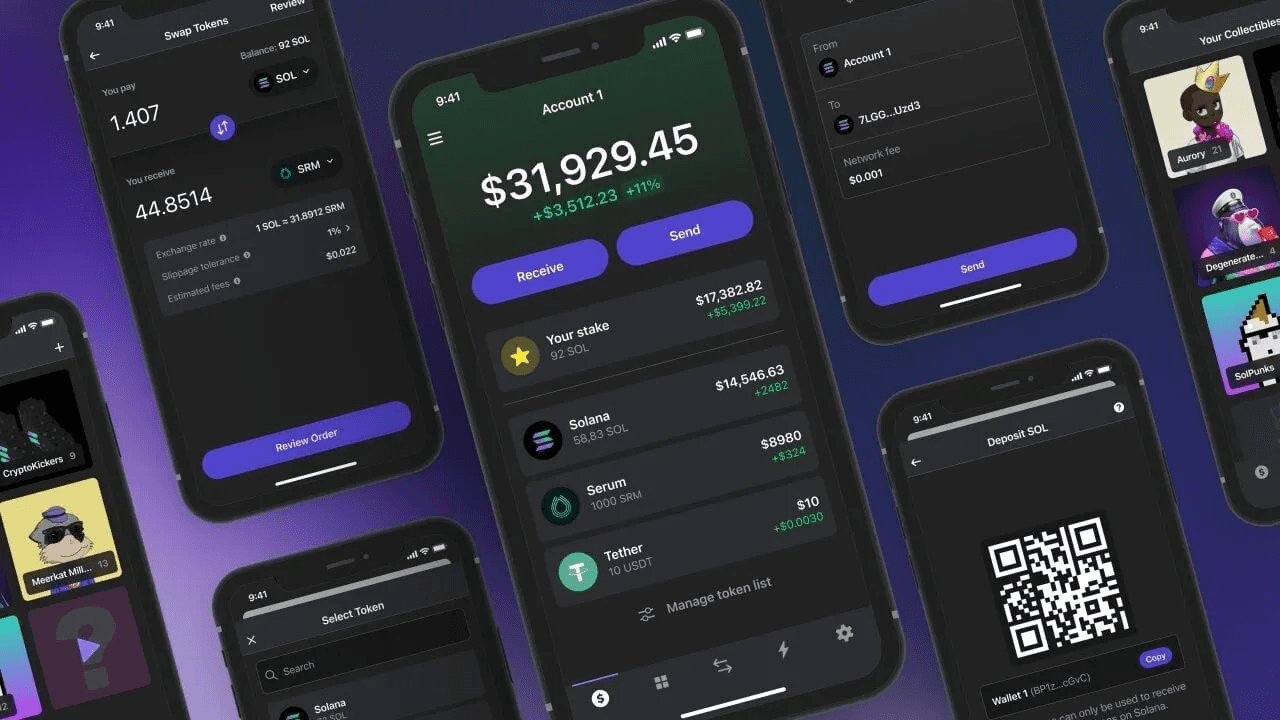
Choose a Phantom alternative that offers broad chain access, real-time fills, and account separation, so you can move quickly without sacrificing control or privacy.
Focus on:
Compatibility
Execution speed
Wallet ergonomics first
Then layer in security and social features to preserve optionality as your strategy evolves.
Which Blockchains Does The Wallet Actually Support?
You want a wallet that covers the chains you trade and collect on, not one that forces you to juggle constantly. If you hold tokens across EVM and non-EVM ecosystems, the wallet must expose native signing for each chain and let you switch networks without importing new seeds. CoinLaw reports that “Phantom Wallet supports over 100 different cryptocurrencies,” indicating that broad chain support has become a baseline expectation rather than a luxury.
Do I Need Native NFT Tooling, Or Is A Basic Token View Enough?
If you trade or collect NFTs, a wallet with integrated minting, viewing, and metadata tools saves you hours compared with third-party explorers. The difference is practical: when an airdrop or claim window opens, you do not want to decode metadata and copy-paste mint scripts under time pressure.
The wallets that treat NFTs as first-class objects let you:
Preview traits
Batch-sign approvals safely
Keep provenance visible
Will This Work Across The Devices You Actually Use?
Desktop and mobile devices behave differently under threat models. Mobile is convenient for on-the-go signing, but a desktop paired with air-gapped hardware offers higher theft resistance for larger positions. Choose a wallet that supports both native mobile apps and desktop integrations or hardware pairing, so your workflow can move fluidly between trading and cold custody without rebuilding accounts.
How Should I Separate Funds And Identities Inside The Wallet?
Multiple accounts matter more than most users expect until they lose track of which address paid gas or interacted with a contract.
This pattern appears consistently for traders and collectors:
When activity scales
A single-account wallet leaks privacy
Increases single-point risk
Look for deterministic account hierarchies, easy labeling, and the ability to isolate trading, spending, and NFT collections into distinct accounts.
Can The Wallet Give Accurate, Real-Time Fee And Conversion Data?
Live conversion rates and precise gas estimates prevent overpaying and failed transactions at inopportune moments. For example, a wallet tied to fast relayers and execution paths needs to surface live routing and slippage options so you can choose speed versus cost before you sign. For context on expectations around responsiveness, CoinLaw reports that “The average transaction speed of Phantom Wallet is 2 seconds,” which illustrates how user experience is now measured in single seconds.
Are Notifications And Address Management Reliable?
Push notifications matter when:
A trade fills
An airdrop lands
A multi-sig requires a signature
Users get exhausted when they must refresh explorers or manually track addresses. A usable address book, contact labels, and consistent notifications turn chaotic workflows into predictable routines, reducing mistakes when you move capital quickly.
From Fragmentation to Unity: The Need for Unified Non-Custodial Wallet Management
Most teams manage wallets by cobbling together mobile apps, browser extensions, and hardware devices because that familiarity is low friction at first. That works until the number of chains and accounts grows, response windows tighten, and manual routing causes missed trades and higher fees. Platforms like Bullpen provide unified non-custodial account management with:
Air-gapped security
Real-time transaction optimization
MEV protection
It allows traders to compress execution complexity while retaining complete asset control.
The Wallet as a Cockpit: Trading-Grade Clarity vs. Hobbyist Setups
Think of the ideal wallet like a cockpit: precise instruments, dedicated switches for critical functions, and an organized checklist that prevents accidental launches. That clarity is what separates a hobbyist set-up from a trading-grade rig. The part that surprises most readers is how a few missing features quietly erode returns and privacy over time, and that is where the real decisions start.
Related Reading
10 Best Phantom Alternatives for Your Digital Assets
These ten wallets and storage options cover distinct tradeoffs in custody, UX, and trading features, so pick the one whose design matches the problem you actually need to solve. Below, I list each option, what it does well, and the key limitations you should plan around.
1. Bullpen
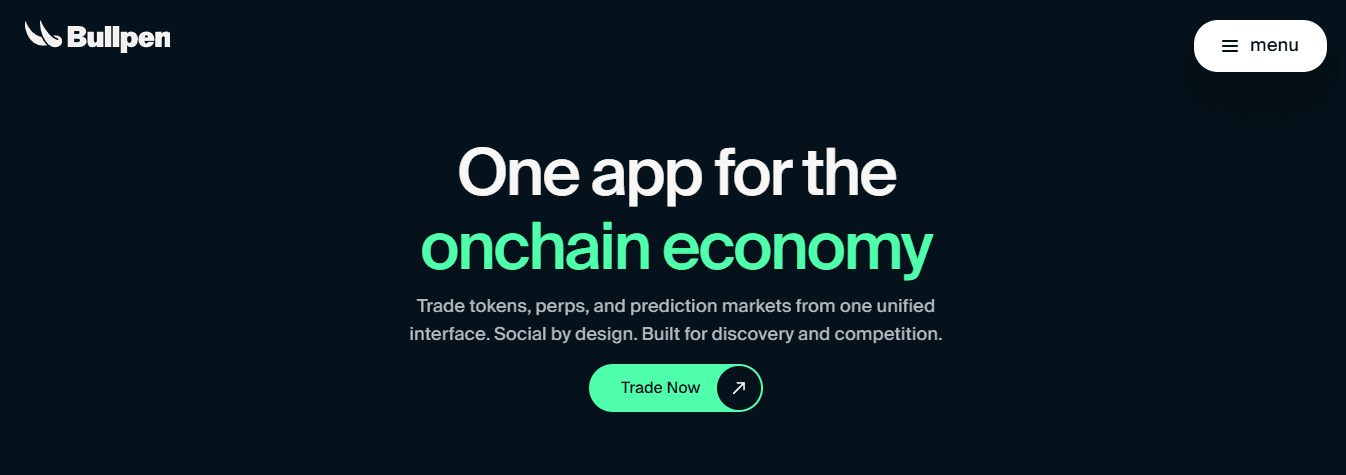
Bullpen combines:
Non-custodial
Air-gapped account management with integrated:
Trading tools
Social discovery
It functions more like a trading cockpit than a simple key store.
It aggregates:
Token
Perpetual
Prediction-market activity across:
SVM wallets
EVM wallets
It surfaces verified trader performance and leaderboards, and notifies you when high performers open positions, making pattern replication straightforward. Funding options include Apple Pay and bank on-ramps, and the product gives new users onboarding incentives, including a 500-point deposit bonus and an introductory call for larger deposits. For traders who value execution, it links to advanced routing and liquidity like Jupiter Ultra and Hyperliquid, while offering MEV protection and order types that matter when speed and cost change P&L.
2. Zengo
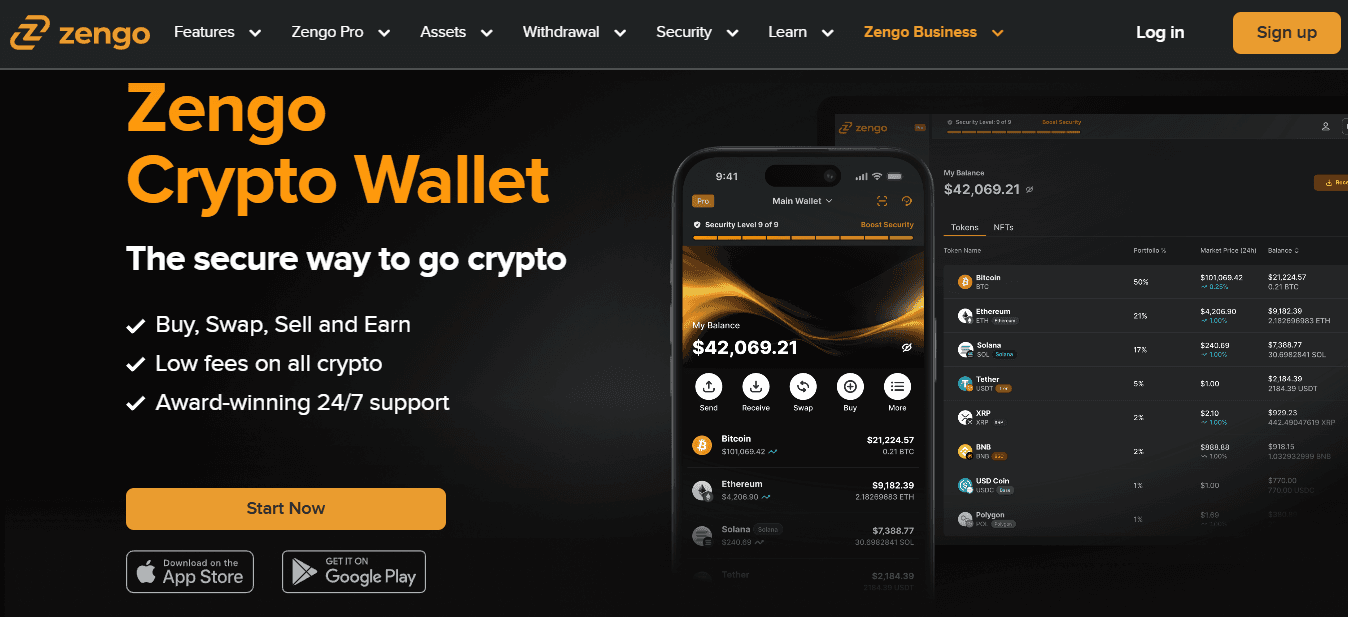
Zengo replaces seed phrases and single private keys with multi-party computation, ensuring private material never resides in a single place and avoiding the standard failure mode of lost seeds. That architecture explains the company’s claim of no wallet compromises through April 2025. The tradeoff is asset coverage: when we migrated a collector’s portfolio over six weeks, missing support for Bitcoin Cash and Polkadot meant keeping two separate wallets, undermining the simplicity Zengo promises. If you prize passwordless self-custody and strong phishing resistance, Zengo is compelling; if you need every chain in your portfolio, expect fragmentation.
3. Crypto.com On-chain
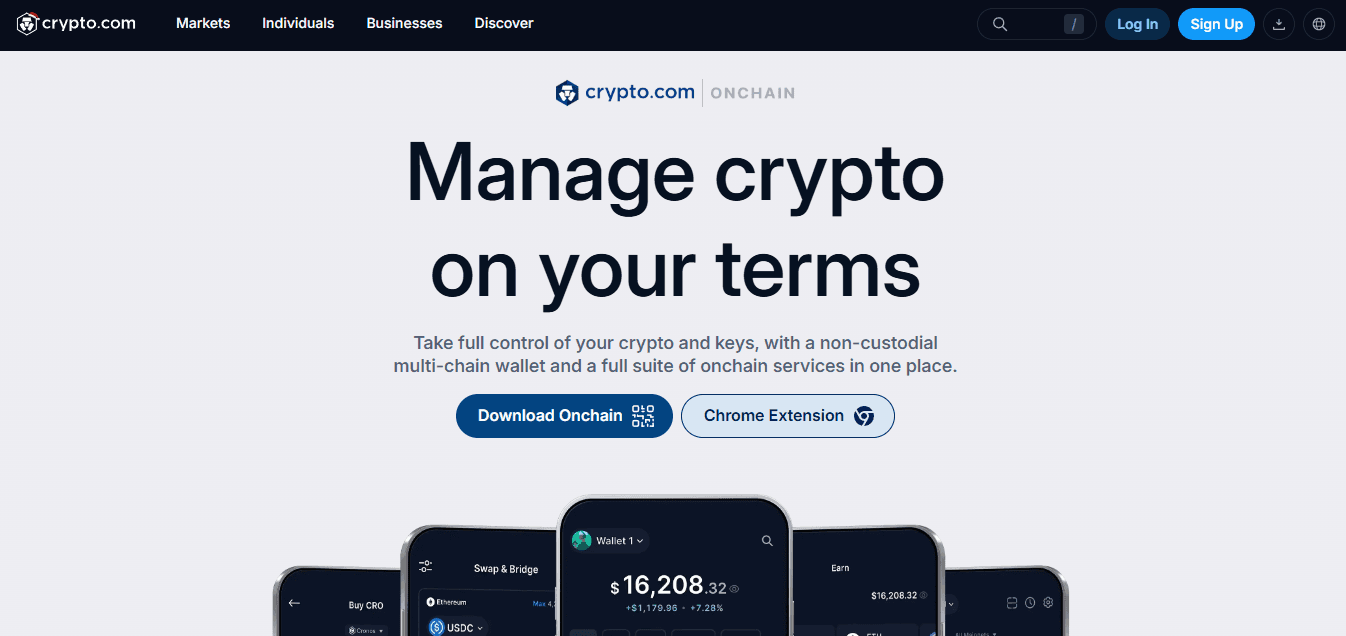
This wallet tightly integrates with Crypto.com’s centralized app, which simplifies moving funds from exchange custody to self-custody workflows and back again. It works across mobile and browser extensions, and its desktop app integrates with Ledger for cold storage.
Just note the practical friction point: BTC withdrawals to On-chain require a minimum of 0.0008 BTC, which can block small transfers. If you routinely shuffle funds between exchange trading and DeFi positions, the unified path is convenient; if your BTC balances are tiny, that withdrawal floor matters.
4. Guarda

Guarda is a lightweight, free wallet available on:
Mobile
Desktop
As an extension
It supports more than 300 assets out of the box. It lets you move holdings into Ledger cold storage and offers staking programs for yield. If you want a low-friction, cross-device wallet without committing to a hardware-first workflow, Guarda offers broad token access and simple staking.
Still, you should confirm support for any niche tokens you rely on before migrating significant positions.
5. Exodus
Exodus blends approachable UI with cross-platform availability, including:
Mobile
Desktop
A browser extension
It integrates with Trezor hardware for moving funds into cold storage.
The wallet supports:
On-ramp purchases
Swapping
Staking inside the app
Its educational content eases onboarding for newcomers. If you value clarity and guided flows as you learn the basics of trading and staking, Exodus reduces cognitive load without forcing an early leap into hardware custody.
The Hidden Costs of Fragmentation: Why Familiar Wallet Setups Destroy Returns
Most teams accept a hybrid of wallets because it feels familiar and keeps options open, but familiarity can mask costs.
As accounts proliferate, manual switching:
Fragments attention
Approvals slow
Execution inconsistencies increase slippage
Platforms like Bullpen compress those failure modes by combining Turnkey air-gapped account management with execution rails and transaction optimization, so teams retain control of their custody while reducing the coordination overhead that typically destroys returns.
6. Trust Wallet
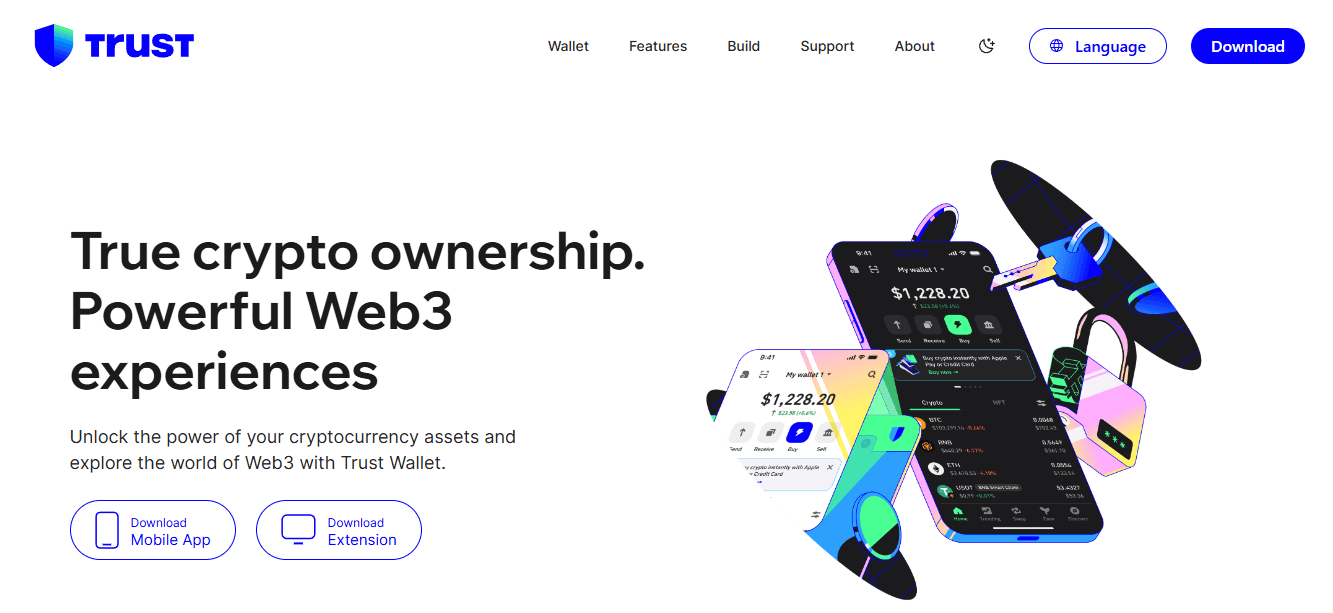
Through its exchange partnership and functionality, Trust Wallet, Binance’s official mobile wallet, supports direct:
Buy
Sell
Trade
It claims support for an enormous number of token types, though that headline should be read against the reality that active coins number far fewer.
Because it connects to many blockchains, it will likely recognize most tokens you encounter, and it is convenient for mobile-first traders who want in-app trading. But if you need a fully auditable list of supported assets before moving funds, plan to verify specific contracts; the public claim of near-infinite coverage can mask gaps.
7. Coinbase Wallet
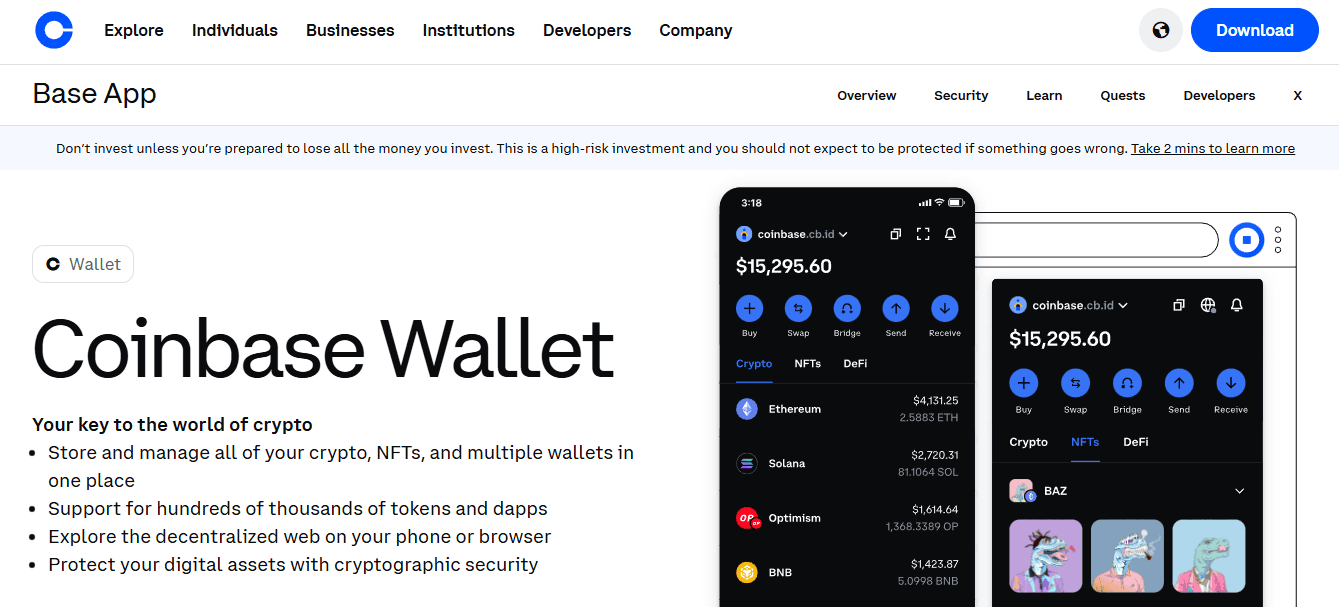
Coinbase Wallet separates custody from Coinbase’s exchange while maintaining tight interoperability between the two, helping users transition from custodial trading to self-custody without relearning flows. It excels on mobile and via a browser extension, with hardware integrations for Ledger; it lacks a native desktop app, so workflows that rely on a laptop may feel more constrained. If you prefer a gentle path from exchange convenience to long-term self-custody, Coinbase Wallet eases that shift.
8. MetaMask

MetaMask remains the de facto entry point for Ethereum and EVM-native Web3 applications, is free and open source, and offers broad dApp integrations and hardware compatibility. It runs on mobile and as a browser extension, and it exposes DeFi and staking options through portfolio features. If the bulk of your activity is Ethereum-centric, MetaMask is the natural hub; if you operate primarily on non-EVM chains, it will be less valuable.
9. Ledger (Hardware)
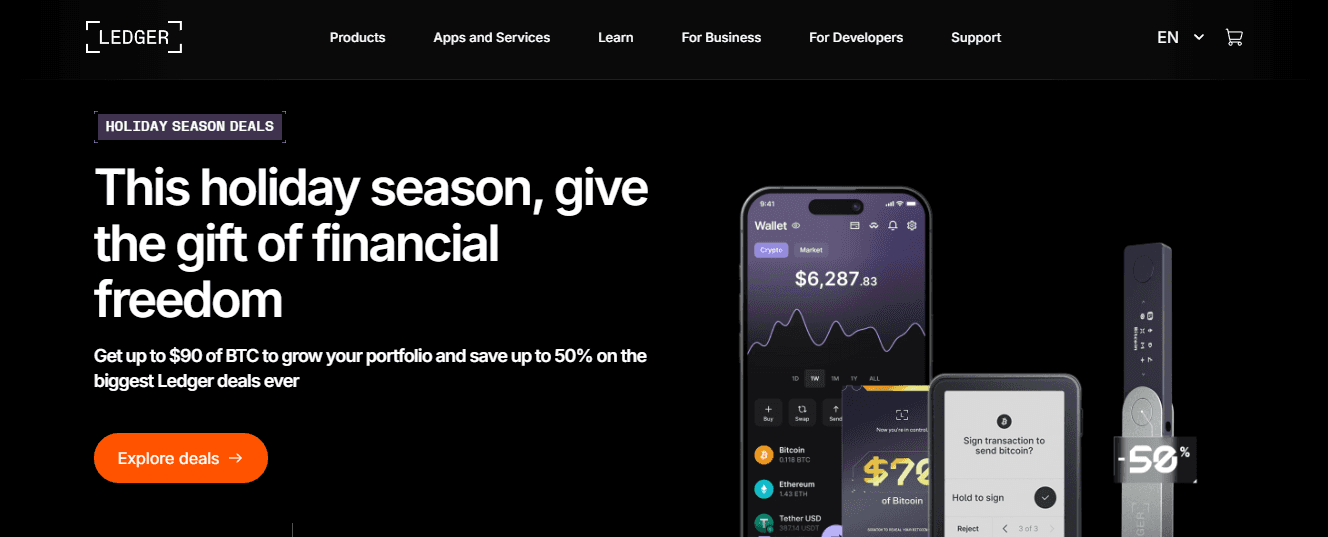
Ledger’s hardware devices pair with multiple software wallets and provide a high-security root of custody. Pricing ranges from roughly $79 to $399 depending on model and feature set, and Ledger’s desktop and mobile apps, plus two-factor options, let you combine cold storage with convenient signing paths. For holders who must protect sizable positions, Ledger reduces live-exposure risk, and its ecosystem integrations make moving between hot apps and cold keys manageable.
10. Trezor (Hardware)
Trezor offers durable hardware options, from the affordable Model One to higher-end touchscreen devices. It integrates with wallets such as Exodus and supports staking and purchases through its suite, while keeping a strict security posture that excludes Bluetooth, a deliberate tradeoff to reduce attack surface. If you prioritize air-gapped reliability with clear hardware-first workflows, Trezor is a practical pillar for long-term custody.
Matching Expectations to Capabilities: Selecting Your Wallet in a Post-Phantom World
Phantom’s growth helps explain why users expect polished wallet experiences. Phantom reports over 20 million users worldwide as of 2025, and that scale raises the bar for UX and reliability. At the same time, comprehensive lists already catalog many options; Alchemy noted 50 alternatives back in 2023, meaning you must match capabilities to specific constraints rather than default to popularity. The criteria you just used to sort these options will matter more than you think when you choose a single wallet to trust with active trades and cold holdings.
Choosing the Best Crypto Wallet
You should pick a wallet that matches how you actually use crypto, not the one with the flashiest homepage.
Prioritize:
The threat model you face
The recovery path you can reliably execute
The operational guards you will follow when under pressure
Those three factors determine whether a wallet protects you or exposes you.
Which Failure Mode Will Cost You The Most?
When traders rush to sign, or collectors chase a drop, human error and phishing are the usual culprits, not clever cryptography.
This pattern appears across active accounts and custody transitions:
Under time pressure
Users approve the wrong address
Copy a malicious link
Ignore subtle firmware warnings
Treat your wallet choice as an operational control.
Decide in advance whether your most significant risk is:
Social engineering
Accidental sends
A supply chain attack,
Evaluate vendors against that single criterion.
Should I Pay For Hardware Or Rely On Software?
For long-term holdings, physical keys remain the practical safeguard, both in engineering and in user behavior. Over 70% of crypto users prefer hardware wallets for their security features, according to Token Metrics Blog, suggesting most people trust a device you can hold and inspect. Similarly, cold wallets are generally safer than hot wallets because they store your private keys offline, making them immune to most online threats. If the scenario you fear is remote compromise, a cold device materially reduces that vector. Those facts do not end the decision; they reframe it.
Buying hardware buys protection, but it also forces you to plan for:
Firmware updates
Safe storage
Recovery mechanics
How Do Multisig And MPC Actually Compare In Practice?
Multisig gives you a clear, auditable control plane, it fails gracefully if one signer is lost, and it fits teams that can coordinate signers. MPC removes the single seed and can be more user-friendly, but it introduces complex vendor dependencies and makes forensic recovery harder. Choose multisig when you can distribute signers across trusted individuals or jurisdictions, and choose MPC when you need passwordless convenience and can accept ongoing reliance on the provider’s protocol and uptime.
The fundamental tradeoff is:
Between an explicit
Human-manageable failure mode
A black-box service
It reduces friction but increases operational coupling.
What Should You Verify About A Vendor Or Device?
Look beyond marketing claims. Insist on:
Firmware provenance
Reproducible builds
An independent audit
It includes the device chain of custody. Check how the vendor publishes update signatures and whether you can verify them offline. Prefer vendors that offer tamper-evident packaging and clear counterfeit warnings, because supply chain attacks start at the point of purchase.
Also, verify:
On-paper policies about data collection
Support impersonation procedures
Legal jurisdiction for breach responses
These are the details that determine whether a recovery email is helpful or a trap.
How Do You Design A Recovery Plan That Will Work When You Panic?
Design recovery first, then choose a wallet. For durable plans, split secrets using proven schemes like Shamir with clear thresholds, encrypt parts with a passphrase you actually remember, and store metal backups in at least two geographically separated locations. Practice the recovery flow on a testnet once, within a month of setup, to catch hidden friction. This is not paranoia; it is rehearsal. When we consolidated complex portfolios into fewer signing devices for high-activity users, the typical failure pattern was not losing a device; it was not being able to perform the recovery under stress.
The Custody-Efficiency Paradox: Unifying Secure Cold Storage with Real-Time Execution
Most teams handle custody by juggling an exchange account for trades and a personal device for long-term storage, because that feels quick and familiar. That approach works at first, but as volume and urgency scale, approvals fragment, mistakes compound, and reconciling balances eats time. Centralize non-custodial signing, buy Crypto, air-gapped workflows, and execution rails so teams can preserve custody while shrinking coordination overhead from hours to minutes and keeping a clear audit trail.
How Should Ergonomics Factor Into The Choice?
Ergonomics matter because mistakes come from friction and fatigue. Small screens, fiddly buttons, or confusing UX increase the chance you will approve a contract without reading it. Treat button placement, screen clarity, and sequence of on-device confirmations as safety features, not conveniences. A wallet that feels secure but is painful to use will push you back toward risky shortcuts.
The Unified Cockpit: Consolidating Chains, Assets, and Actions in a Single Wallet
Think of your keys and backups like access to an aircraft cockpit: one key gets you in, and many checks keep you from accidentally starting the engines. Your wallet choice is the lock you trust the most when the runway is crowded.
Bullpen puts all of crypto in one app:
Bitcoin
Solana memes
Hyperliquid perps
Polymarket
You can stop juggling wallets and bridges.
Buy crypto with Apple Pay, use leverage, or buy Bitcoin with your bank account using Bullpen’s unified, non-custodial flows and execution rails. That calm of a “set-and-forget” setup looks solid on paper, until a single slip or social-engineering trick exposes everything, and that’s exactly what we’ll examine next.
Related Reading
How to Keep Your Crypto Wallet Safe
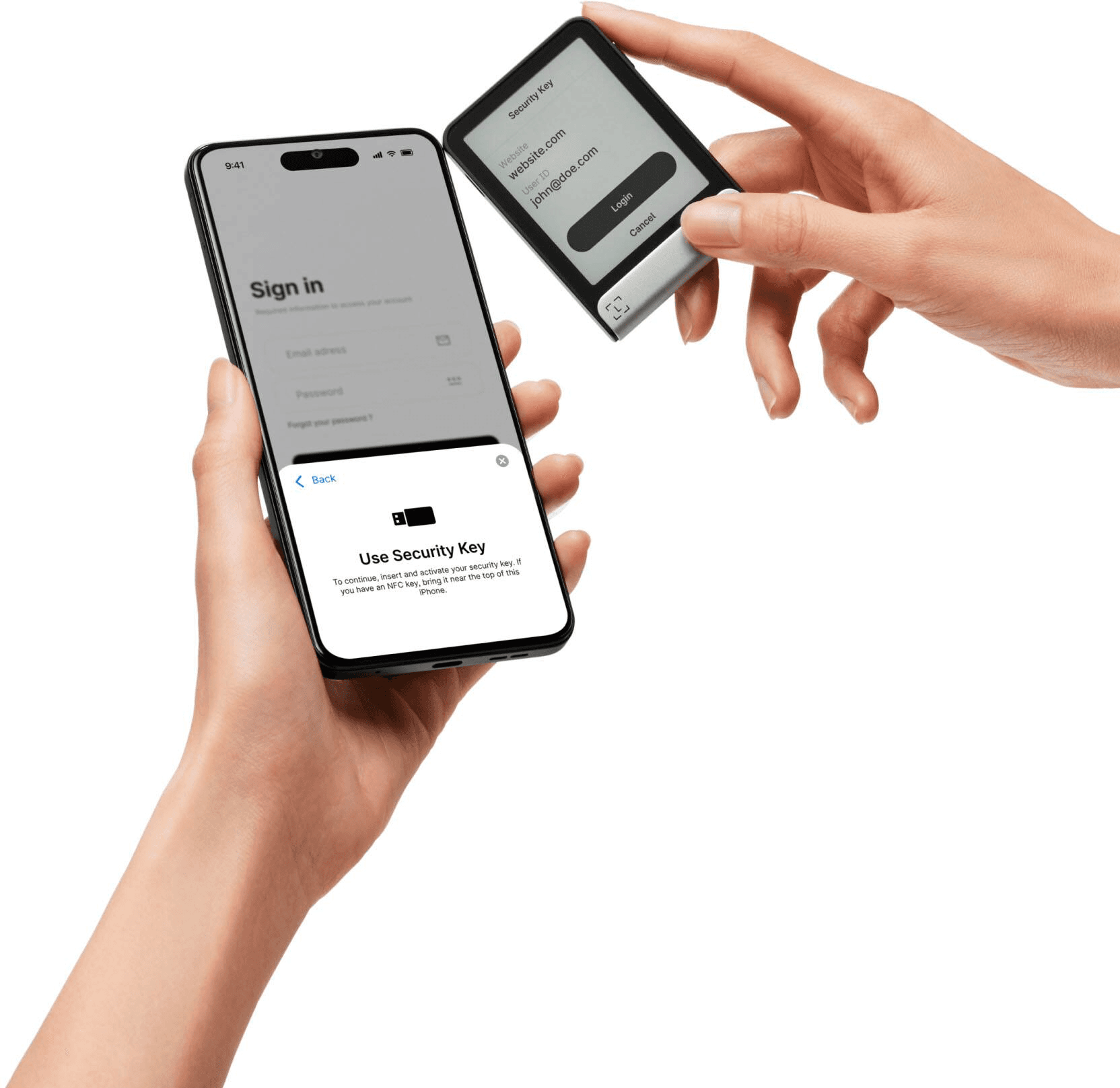
Protecting a wallet comes down to three things: make signing deliberate, shrink what can be moved without human review, and assume attackers will try to trick you first. Treat every signature like a physical check, and you cut most common loss paths. The stakes are real. In 2024 alone, blockchain-related hacks resulted in losses exceeding $3 billion, a clear reminder that sloppy signing and weak access controls cost people real money.
How Should I Treat Every Signature So I Do Not Sign The Wrong Thing?
This is a problem-first paragraph. Approve only after you verify three things on the device screen:
The recipient address or contract name
The token and amount
The exact function being called
Mobile and extension UIs often truncate or hide fields, which is why hurried approvals are the single most common failure mode we see in active traders, especially during fast markets. A simple rule I use: never approve a contract interaction you cannot fully read on a hardware device; use a micro-transfer or a deliberate rejection to test unfamiliar flows.
Which Technical Limits Should I Put On My Accounts?
Pattern recognition.
Reduce live exposure by splitting roles:
Keep one small
Hot account for market ops and a separate cold account for long-term holdings
Enforce on-chain spending limits for the hot account
Use contract-scoped allowances instead of blanket approvals, revoke stale allowances regularly with a revocation tool, and prefer wallets or smart-contract wrappers that let you set per-contract caps and daily spend ceilings so a compromised key cannot drain everything at once.
What Actually Stops Phishing And Social Engineering?
Constraint-based reasoning. Phishing succeeds because attackers trade on trust and urgency, not cryptography, so your defense must be procedural as well as technical.
Never:
Follow unsolicited fund-transfer instructions
Always verify support requests out of band using a proven contact route
Never expose seed material or QR codes in calls or chats
Add friction: require a second person or out-of-band confirmation for transfers above a preset threshold, and label critical accounts clearly so you do not accidentally send from the wrong address during a rush.
Should I Enable Multi-Factor Authentication, And How Effective Is It?
Confident stance. Enable MFA wherever possible, because it stops the bulk of opportunistic compromise, and two-factor authentication can prevent up to 95% of unauthorized access attempts, a reminder that simple layers pay off. Use hardware-backed second factors rather than SMS when possible, and pair MFA with device attestation so a stolen session cookie alone will not give access.
Closing the Security Gaps: Centralizing Approvals to Prevent Coordination Mistakes and Unrevoked Allowances
Most teams manage approvals through browser extensions and ad hoc processes because it is familiar and fast. That works until an approval slips through, threads fragment into email, and unrevoked allowances let attackers move funds in minutes.
Solutions like Bullpen centralize:
Non-custodial account management
Pair air-gapped signing with fast execution rails
Surface transaction details and leaderboards
Teams can maintain custody while stopping the coordination mistakes that lead to losses.
How Do I Detect And Respond Quickly If Something Odd Happens?
Specific experience. Implement value and behavior alerts tied to your accounts, such as:
Notifications for new contract approvals
Outgoing transfers above a threshold
Sudden token approvals
Have a one-click revoke-and-freeze playbook ready, and subscribe to watch services that post real-time alerts for your addresses. Early detection turns a potential full loss into a contained incident you can reverse or mitigate.
What About Hardware Provenance And Supply Chain Risks?
Problem-first. Buy devices only from authorized channels, verify firmware signatures before applying updates, and inspect tamper-evident packaging on arrival. To reduce the chance of missing a subtle warning, treat firmware updates as operational events:
Schedule them
Verify checksums on a separate
Trusted computer
Avoid updating during active trading windows
One Concrete Habit That Changes Outcomes, Fast
Pattern-based expertise. Use ephemeral accounts for airdrops and new dApps: create a throwaway address, test interactions with tiny amounts, then only bridge legitimate flows to your main trading account. That habit converts unknown risk into a low-cost experiment, and it prevents permanent exposure when a seemingly harmless mint turns out to be malicious. Signing is like signing a check in a crowded room: verify the recipient, the amount, and the memo, and refuse to sign if you feel rushed or confused. That safe practice works until you face the one operational gap nobody wants to admit.
Buy Crypto Today with Bullpen
If you want a cleaner way to buy crypto and test strategies, open a Bullpen account with a small allocation and see whether it streamlines your process and builds your confidence. Over 1 million users have already invested with Bullpen, according to YouHodler Blog, and Bullpen offers up to 12% annual returns on crypto investments. A short trial will quickly show whether the platform belongs in your toolkit.
Related Reading
Last Updated:
January 27, 2026